The tool isn't finishing a run. How can I get it to finish?
It's likely that one of your competitors has code that is formatted in an unexpected way (e.g. their website code is broken). There are two ways to get around this problem.
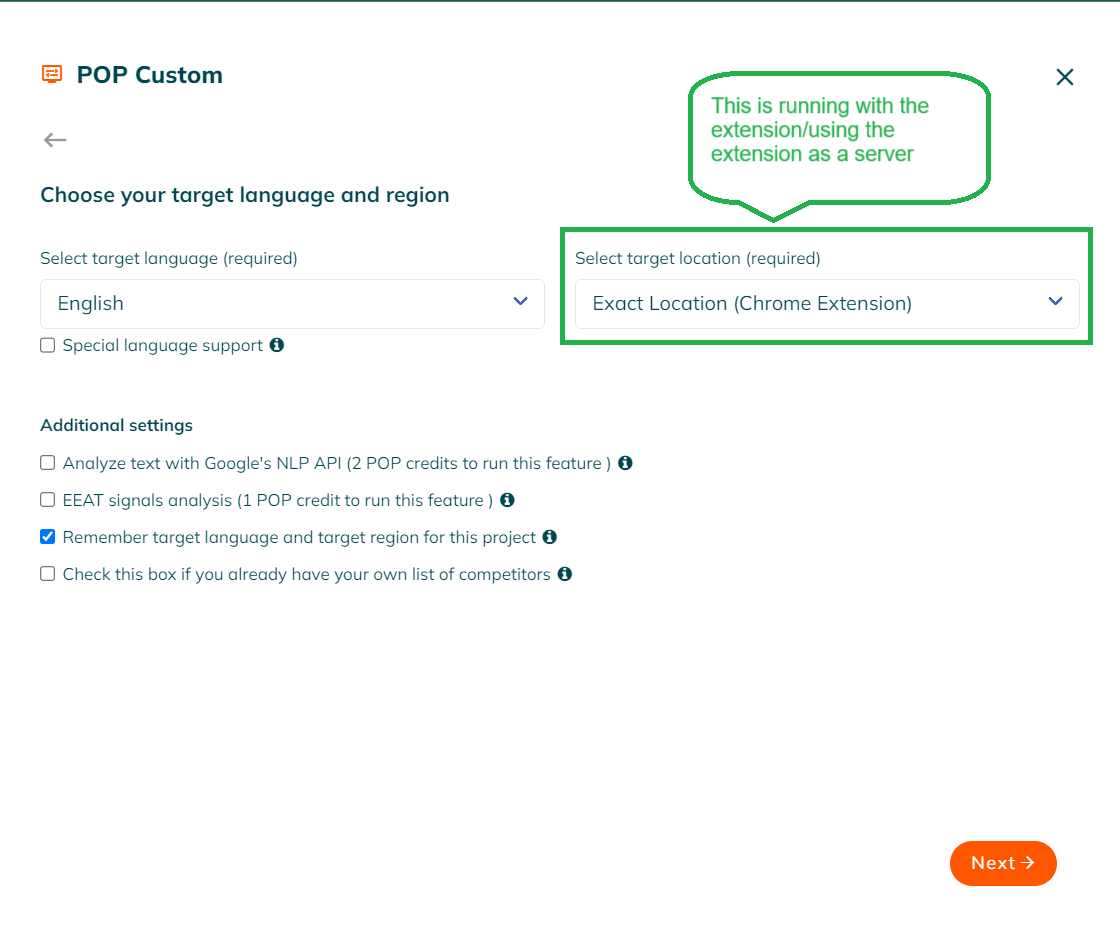
The best option is to use the POP Chrome Extension. The extension is able to render and crawl nearly all webpages, even those with broken code. We have an article guide on the chrome extension here.
After following installation instructions you will select the extension from the location page from the POP dashboard.
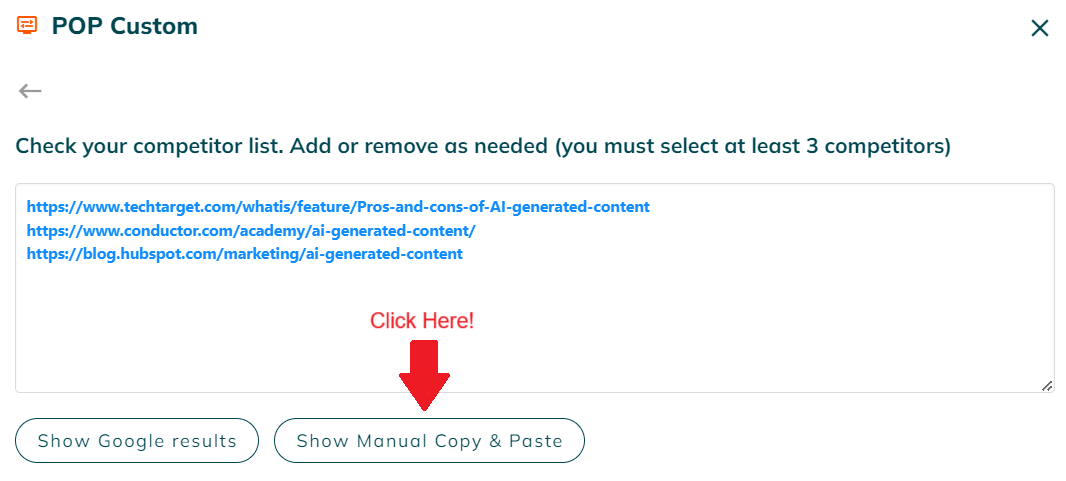
The next option is to copy and paste in your competitors' source code directly into POP. On the competitors list page you will find a button labeled ‘Show Manual Copy and Paste.’ Then check the box next to the competitor URL that is causing problems. A box will appear to insert the source code. There are instructions inside the box in case you aren’t sure what to do.
Even if you feel comfortable copying and pasting your competitors' code into POP, we highly recommend using the POP Chrome Extension. It’s an easier process, it will properly crawl the competitor URLs, and your run times will be faster.