
How to Add PageOptimizer Pro's Schema to Your Pages
Starting out
The first step with any schema addition to your page is of course creating the schema. With PageOptimizer Pro's AI Schema Markup it has never been easier. Costing just 2 POP Credits per schema type generated, or absolutely free if you have the GPT-4 API Key integrated with PageOptimizer Pro. Simply navigate to the Schema tab inside of your report. Then scroll to the recommendations section.
After generating your schema, you're almost finished. With the schema now in hand, it's important to verify its accuracy. While PageOptimizer Pro's AI Schema Markup generator is impressive, it's still AI. To ensure everything is correct, we recommend double-checking that it includes all the necessary information.
Validating the Schema
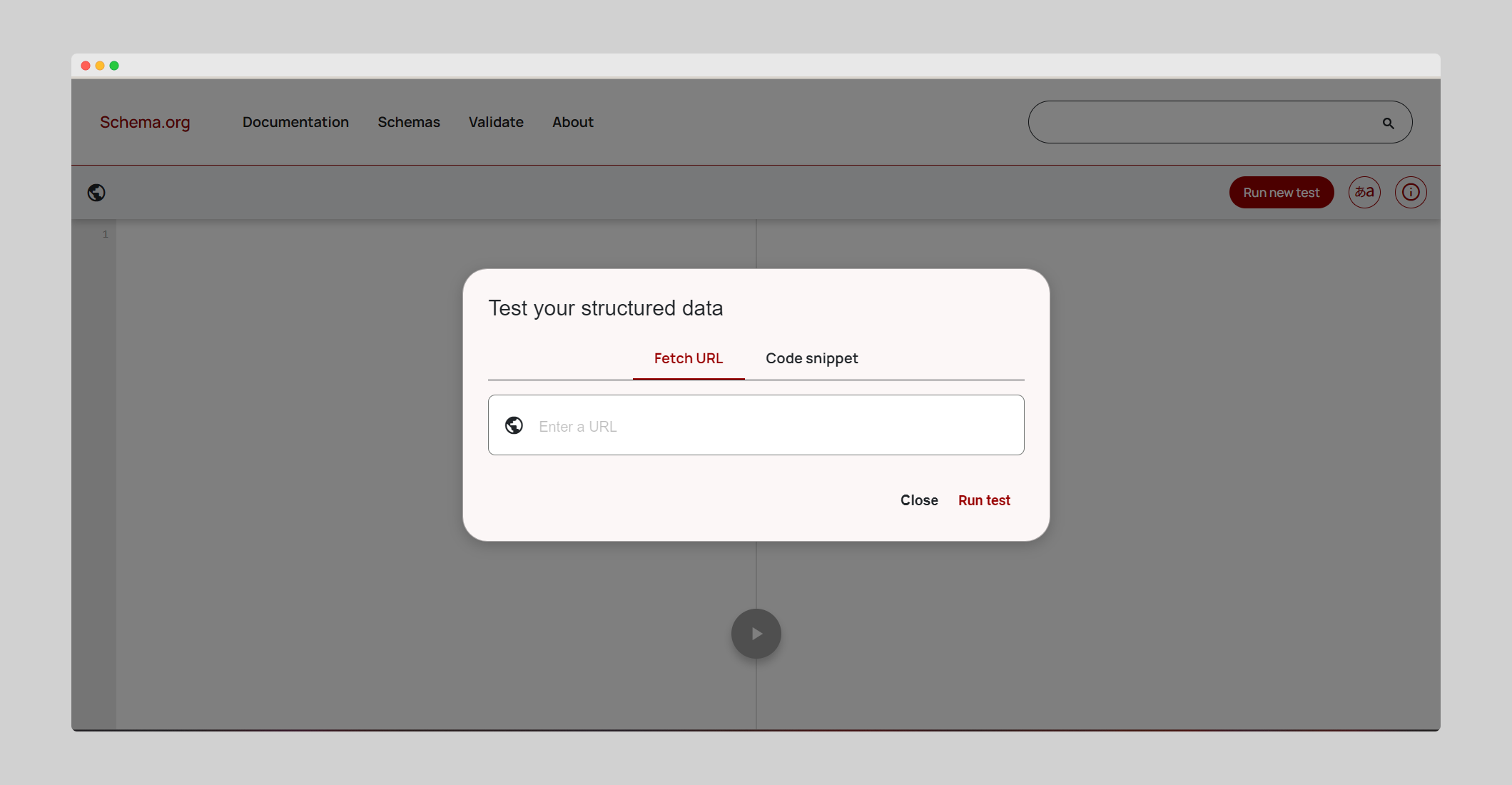
To Validate your schema, you have multiple options. An excellent free option is https://validator.schema.org/ With this powerful free resource, you can check either a live page, or a code snippet. PageOptimizer Pro hands you code, so that will be the option you should use.
Adding the Schema
With our schema validated, the next step is to add it to your page. The process can vary greatly depending on the web builder or CMS you’re using. To assist you, here are tutorials demonstrating how to integrate schema for a variety of editors that are compatible with our Chrome extension:
Page Builders:
CMS