How do I change the email associated with my account?
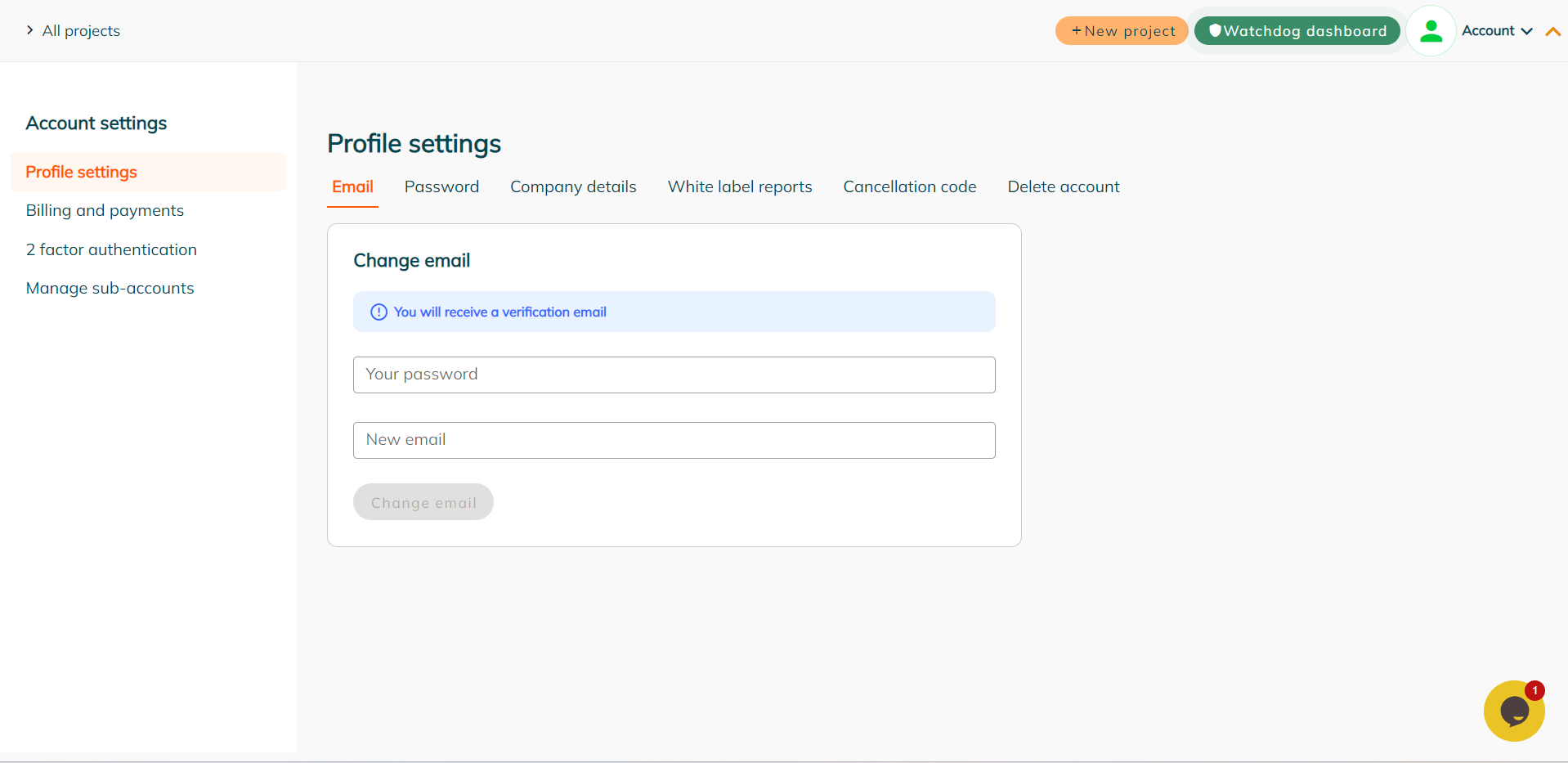
Changing your account email in your ‘Account Settings’ dashboard is very easy. To change your account email:
- Navigate to the ‘Account Settings’ area via the top right hand drop down menu.
- Under the ‘Profile Settings’ menu, navigate to the ‘Email’ menu.
- Follow the steps listed there to change your email.
- Once you’ve added the email you would like to change to, click the ‘Change Email’ button. The system will then send a verification email to that new address.
- Open your email and click to verify the new account email address.