Connect Google Search Console to POP (Easy Setup Guide)
To connect Google Search Console to POP, click Connect Search Console from your POP project and sign in with a Google account that already has access to the website in Search Console. The Google account does not need to match the email used for your POP account.
- Click Connect Search Console in POP.
- Sign in with a Google account that has access to the site.
- Confirm that the domain used in your POP project exists in Search Console.
- If the property is missing, verify it or ask an existing owner to grant access.
- Return to POP and complete the connection.
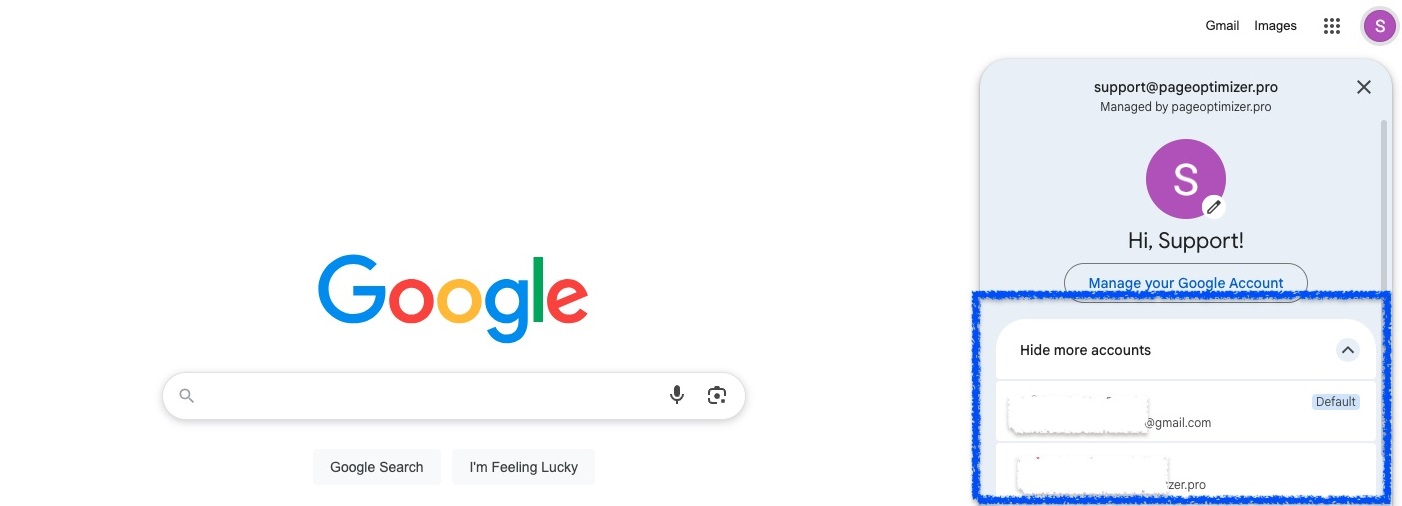
If Google automatically selects the wrong account because only one account is signed in, sign in to a second Google account in another tab. The account chooser should then appear the next time you connect.